 Alok Singh
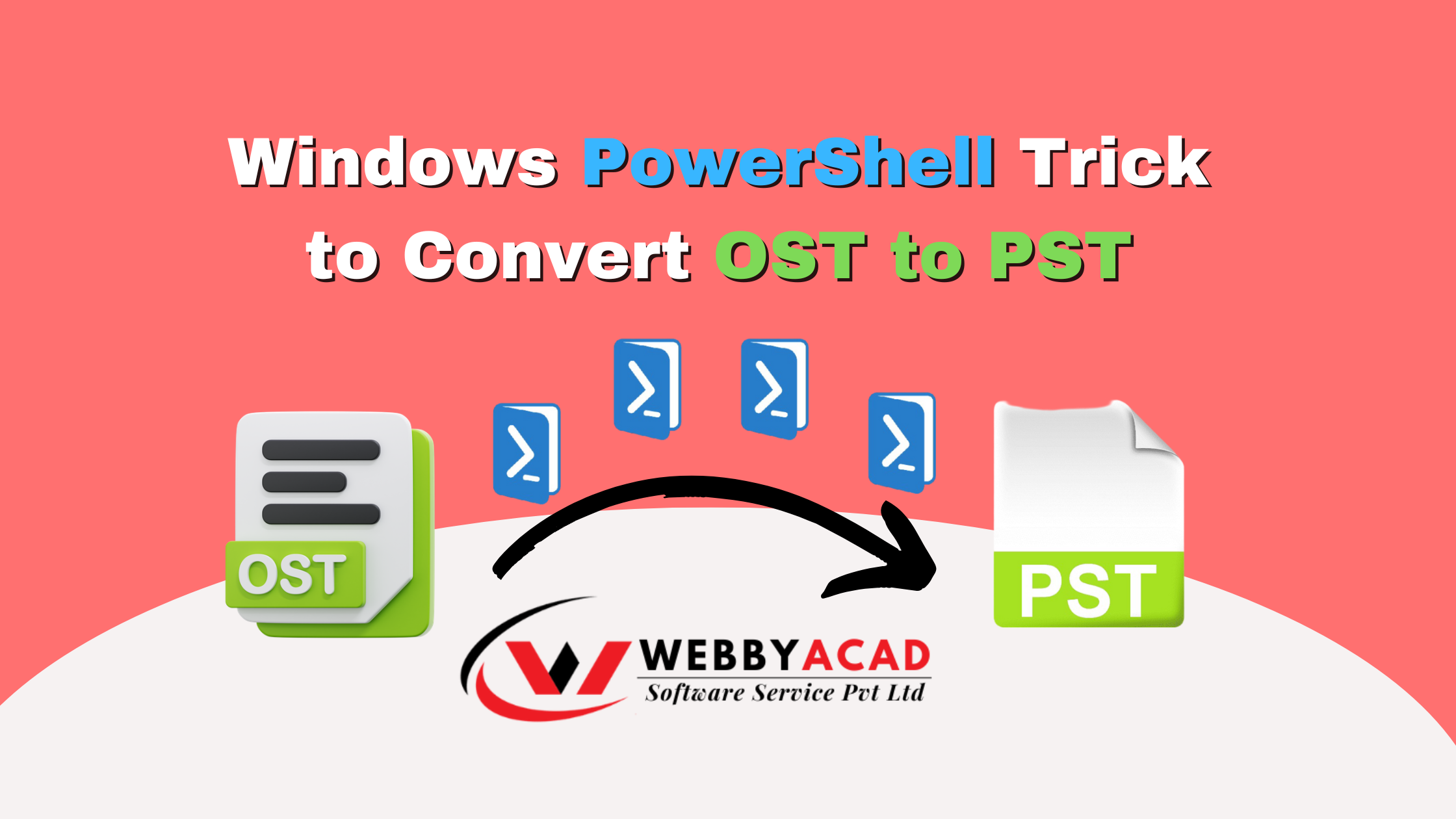
Are you trying to access an orphaned or inaccessible Outlook OST file? Converting an Offline Storage Table (.ost) to a Personal Storage Table (.pst) is a common challenge for IT admins and Outlook users. While most believe you need expensive tools, there is a hidden Windows PowerShell trick that can help you extract data for free.
In this guide, we provide the exact PowerShell commands for OST conversion and explain when you should opt for a professional automated tool to avoid data corruption.
Can PowerShell convert OST to PST?
Technically, PowerShell cannot “convert” the file format directly. Instead, it uses a script to interact with the Outlook COM Object to move data from an OST file into a readable format (like CSV), which can then be imported into a new PST. This method requires Outlook to be installed and the OST to be connected to an active profile.
Method 1: The Windows PowerShell OST Conversion Script
Before starting, ensure you have administrative privileges on your PC and that Microsoft Outlook is installed.
Step 1: Set Execution Policy
Open PowerShell as administrator and run the following command to allow the script to run: Set-ExecutionPolicy -ExecutionPolicy Unrestricted (Type Y and press Enter when prompted for verification).
Step 2: Initialize the Outlook COM Object
Copy and paste the following script to tell PowerShell to interact with Outlook:
$Outlook = New-Object -ComObject Outlook.Application
$Namespace = $Outlook.GetNamespace("MAPI")
$Namespace.AddStoreFromFile("C:\Path\To\Your\File.ost")
Replace C:\Path\To\Your\File.ost with the actual path to your OST file.
Step 3: Export to PST (The Manual Import)
Once the command runs, the OST file will appear as a “Data File” inside your Outlook application. You must then:
- Go to File > Open & Export > Import/Export.
- Select Export to a file > Outlook Data File (.pst).
- Select the newly added OST folders and save them as a PST.
Why PowerShell Might Fail (The Risks)
While the PowerShell method is free, it has significant 2026 limitations that could lead to data loss:
- Encrypted Files: PowerShell cannot read OST files that are encrypted or password-protected.
- Orphaned OSTs: If the original MAPI profile is deleted, the COM object method often fails.
- Corruption: PowerShell cannot handle “corrupted” OST files. If your file is corrupted, use a OST repair tool to recover your data safely.
- Size Limits: Large OST files (>10GB) often cause PowerShell or Outlook to freeze during the process.
Method 2: Professional OST to PST Conversion (100% Secure)
If the PowerShell method seems too complex or fails to handle your file, the WebbyAcad OST to PST Converter is the recommended alternative. It is designed to recover data from orphaned, encrypted, and oversized OST files without needing an Outlook profile.
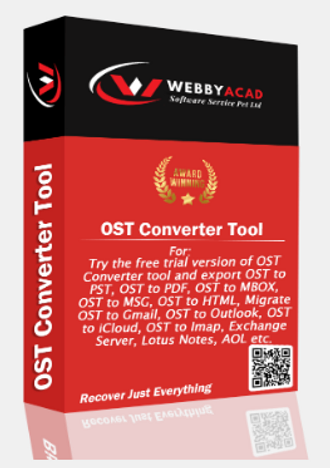
OST Converter Tool
The ultimate solution for seamless ost files to Cloud migration. Convert your data with 100% accuracy.
- Instant Cloud Migration
- Supports Office 365
- Google Workspace Ready
- 100% Secure & Reliable
Why Choose WebbyAcad OST Converter?
- No Outlook Required: Converts orphaned OST files even if Outlook is not installed.
- Bulk Conversion: Export multiple OST files to PST, MBOX, EML, PDF, and 10+ other formats.
- Recovery Engine: Automatically repairs corrupted
.ostfiles before conversion. - Data Integrity: Maintains the original folder structure and “Read/Unread” status of emails.
How to Use It:
- Add File: Select your OST file in the software interface.
- Preview: View all emails and attachments before saving.
- Export: Select PST as your output format and click Export.
Conclusion: PowerShell vs. Professional Software
| Feature | Windows PowerShell | WebbyAcad Converter |
| Cost | Free | Paid (Free Demo Available) |
| Difficulty | High (Scripting Required) | Low (User-Friendly UI) |
| Success Rate | ~40% (Depends on Profile) | 100% (Guaranteed) |
| Corrupted Files | No | Yes |
| Format Options | PST only | PST, EML, PDF, MBOX, HTML |
For a quick, one-time fix on a healthy file, PowerShell is a great trick. However, for business-critical data or corrupted files, avoid the risk and use a professional utility.